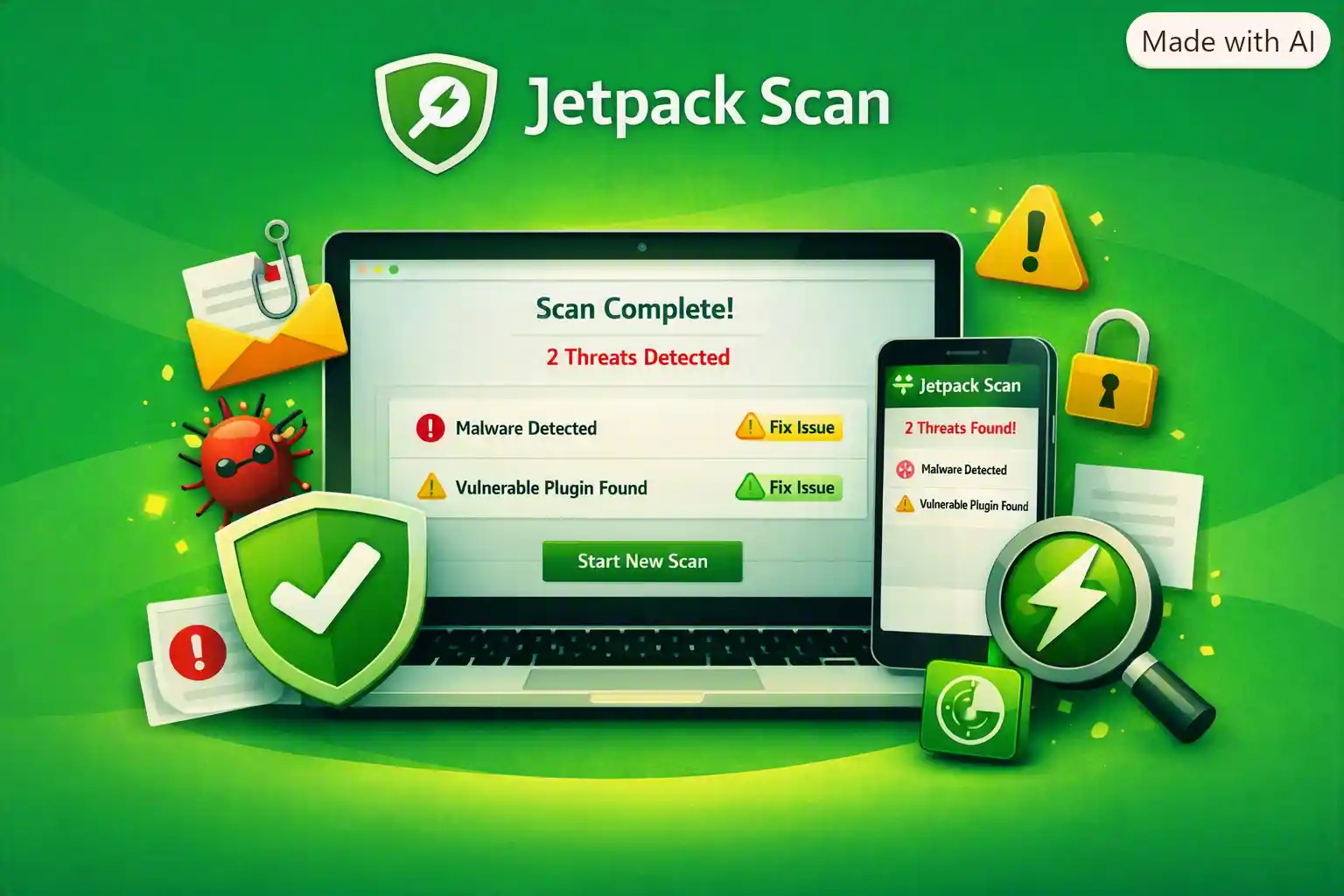
Jetpack Scan provides automated WordPress security protection with daily malware scanning, a website firewall (WAF), instant email threat notifications, and one-click fixes for most detected issues.
A website security problem can become a business problem in seconds.
Malware, suspicious activity, vulnerabilities, and other security threats can put your WordPress website, customer data, content, and revenue at risk. For WooCommerce stores and other websites that depend on continuous availability, discovering a security issue after customers have already been affected can be especially costly.
Instead of waiting until something goes wrong, Jetpack Scan helps you stay ahead of potential threats and respond quickly when a security issue is detected.
What Is Jetpack Scan?
Jetpack Scan is a WordPress security and malware scanning solution designed to help protect websites and online stores from security threats.
It combines automated malware scanning with a Web Application Firewall (WAF) and threat notifications, giving WordPress site owners multiple layers of protection.
When a potential security problem is detected, Jetpack Scan can notify you by email so you can investigate and take action before the issue becomes a bigger problem.
For many users, the biggest advantage is simplicity: one-click fixes are available for most issues, making website security more accessible even if you aren’t a WordPress security expert.
Automated Daily WordPress Malware Scanning
Security threats can appear at any time.
That’s why relying on occasional manual security checks may leave your website exposed between scans.
Jetpack Scan provides automated daily scanning, helping monitor your WordPress website for malware and other security problems on a recurring basis.
Automated scanning means you don’t have to remember to manually run a security check every day.
Your website can be monitored as part of a consistent security routine while you focus on creating content, managing customers, or running your online business.
Website Firewall (WAF)
A Web Application Firewall (WAF) adds another important layer of protection to your website.
Instead of only looking for problems after they reach your site, a firewall is designed to help filter potentially harmful web traffic and protect your website from certain malicious requests.
Jetpack Scan includes a website firewall, giving WordPress website owners an additional security layer alongside automated malware scanning.
For websites that handle customer interactions, accounts, ecommerce transactions, or large amounts of traffic, this additional protection can be especially valuable.
One-Click Fixes for Most Security Issues
Finding malware is only useful if you can do something about it.
Jetpack Scan provides one-click fixes for most detected issues, simplifying the process of addressing security problems.
This can be particularly useful for WordPress users who don’t have technical security expertise.
Rather than manually searching through website files and trying to determine which code needs to be removed or repaired, supported issues can be addressed directly through the available fix functionality.
That can save time and reduce the need for immediate developer assistance.
Instant Email Notifications
You shouldn’t have to constantly monitor your website dashboard to know whether a security problem has appeared.
Jetpack Scan provides instant email notifications when threats are detected.
This allows you to learn about potential security problems quickly and begin addressing them before customers or visitors are significantly affected.
For business owners, early notification can make a major difference.
The sooner you know about a problem, the sooner you can investigate, fix it, and protect your website’s reputation.
Protect Your WordPress Website Before Customers Are Affected
Security issues aren’t just technical problems.
For an online business, a compromised website can potentially affect:
- Customer trust
- Sales
- Website availability
- Business reputation
- Valuable content
- Ecommerce operations
- Membership functionality
- Search visibility
Jetpack Scan helps you take a proactive approach by combining automated scanning, firewall protection, and threat notifications.
Instead of discovering a problem because a customer reports it, you can receive a security alert and respond directly.
Jetpack Scan for WooCommerce Stores
WooCommerce stores are especially important to protect because they are directly connected to revenue.
Your online store may contain products, orders, customer information, payment-related integrations, and other business-critical data.
A security problem can therefore have consequences beyond simply making a website unavailable.
Jetpack Scan provides malware scanning and WAF protection for WordPress websites and WooCommerce stores, helping store owners stay informed about potential threats.
Protecting your ecommerce website can help you focus on selling products instead of constantly worrying about whether your store has been compromised.
Jetpack Scan for News Organizations
News organizations and publishers often manage large amounts of constantly changing content.
A compromised publishing website can disrupt editorial operations and damage reader trust.
Automated scanning can help publishers incorporate security monitoring into their ongoing WordPress management routine.
Jetpack Scan for Membership Sites
Membership websites can contain private areas, user accounts, member content, and other important functionality.
Regular malware scanning and firewall protection can provide an additional security layer for membership-based WordPress websites.
Jetpack Scan for Online Forums
Forums can receive significant amounts of user-generated activity.
Because online communities may involve many accounts, posts, interactions, and database changes, maintaining website security is particularly important.
Jetpack Scan provides automated scanning and threat notifications that can help administrators stay aware of potential security issues.
Fix WordPress Security Issues From Desktop or Mobile
Security problems don’t always appear when you’re sitting at your computer.
Jetpack Scan allows you to fix most supported issues with one click from desktop or mobile.
This provides flexibility for website owners who need to respond while traveling, away from the office, or without access to their primary computer.
Fast access to security controls can be especially valuable for businesses where website downtime or compromise could immediately affect customers.
24/7 Protection With Automated Security Tools
Your website doesn’t stop operating when you go to sleep.
Customers can visit your online store at night. Readers can access your content on weekends. Members can log in outside normal business hours.
That’s why website security needs to be more than an occasional task.
Jetpack Scan’s automated scanning and website firewall provide ongoing security features designed to help protect your WordPress website around the clock.
Why Choose Jetpack Scan?
There are many WordPress security plugins available, but managing security manually can become complicated.
Jetpack Scan brings several important security capabilities together:
- Automated daily malware scanning
- Website firewall (WAF)
- One-click fixes for most issues
- Instant email threat notifications
- Desktop and mobile access
- Priority support
- Support from WordPress experts
This combination makes it a practical option for WordPress users who want automated website security without unnecessary complexity.
WordPress Security Without Becoming a Security Expert
You don’t need to spend your day analyzing suspicious files or monitoring security logs.
For many website owners, security needs to be simple and actionable.
Jetpack Scan focuses on giving you important information when it matters and providing straightforward ways to address supported threats.
Daily scanning helps monitor your website. Email notifications help you discover problems. One-click fixes help you resolve many supported issues. The WAF adds another layer of protection.
Together, these features can simplify your WordPress security workflow.
Protect Your Revenue Stream and Content
Your website may represent years of work.
Your blog posts, product pages, articles, customer-facing content, membership functionality, and ecommerce operations all have value.
A security incident can potentially disrupt that work.
By adding automated malware scanning and firewall protection, Jetpack Scan can help you take a proactive approach to protecting your WordPress website.
For WooCommerce stores in particular, maintaining website security is closely connected to protecting business continuity and revenue.
Get Help From WordPress Security Experts
When you’re dealing with a security problem, having access to knowledgeable support can be extremely valuable.
Jetpack Scan includes priority support and access to WordPress experts, giving users an additional resource when they need assistance.
This is particularly useful for business owners who want more than an automated security tool and prefer having expert support available when necessary.
Jetpack Scan: A Smarter Approach to WordPress Security
Waiting until your website has already been compromised isn’t a security strategy.
With Jetpack Scan, you can add automated daily malware scanning, a website firewall, threat notifications, and one-click fixes to your WordPress security setup.
Instead of manually checking your website every day, you can automate an important part of the monitoring process and receive notifications when potential threats are detected.
Whether you operate a WooCommerce store, news organization, membership site, online forum, blog, or business website, proactive security can help protect what you’ve built.
Keep Your WordPress Website Ahead of Security Threats
Your website deserves protection that works in the background while you focus on your business.
Jetpack Scan combines automated malware scanning, WAF protection, instant threat alerts, one-click fixes, and priority support in a WordPress-focused security solution.
Protect your website. Stay informed about threats. Fix supported issues quickly.
Don’t wait for a security problem to affect your customers—start protecting your WordPress site with Jetpack Scan.